
Emailing a Group of Patients
It is easy emailing a group of patients directly from any patient list window. This means you could email all patients who are a certain age, sex, live in a particular town, by managing practitioner, etc, etc.
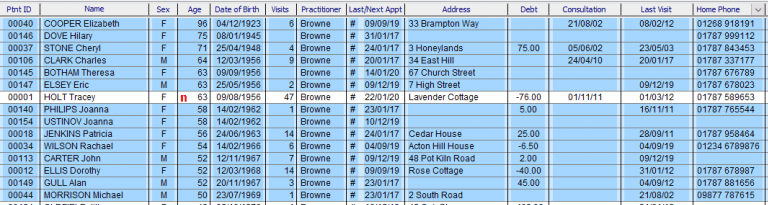
- Select the patient list required (for example, Lookup -> Practitioners -> Patients).
- Sort the patient list if required (for example by Age).
- Select the patients (click and drag will select a range, pressing the Ctrl key will enable you to select individual patients).
- Click the Mail Merge button.
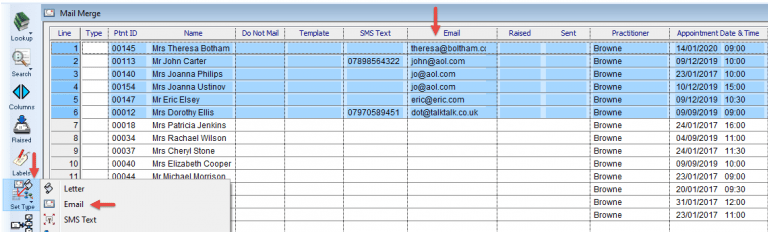
- Click on the Email heading and select all the patients with an email address.
- Click Set Type -> Email.
- Click Template and select the email template you wish to send.
- Click Raise.
- Click Send.