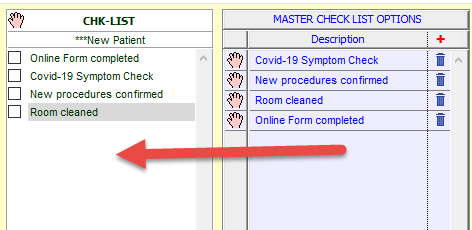
We have been chatting to clinics and one of the features they are finding useful is Checklists. They are using them to confirm patients have been told about new procedures, been asked about their current health, etc, etc.
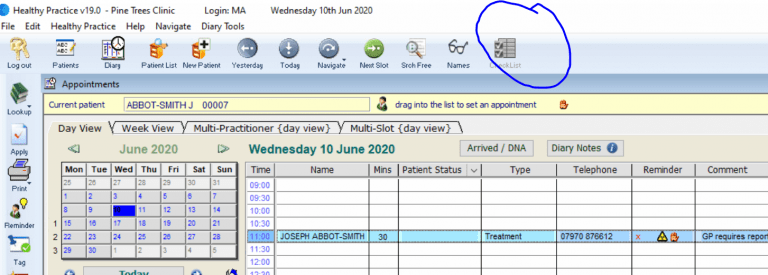
Setting Up Checklists
- Go to Healthy Practice menu > System Defaults > Default Lists
- Select Appointment Types
- Select Check List (at the bottom of the screen)
- Click on the + in MASTER CHECK LIST OPTIONS and enter all the items you want included in your checklists
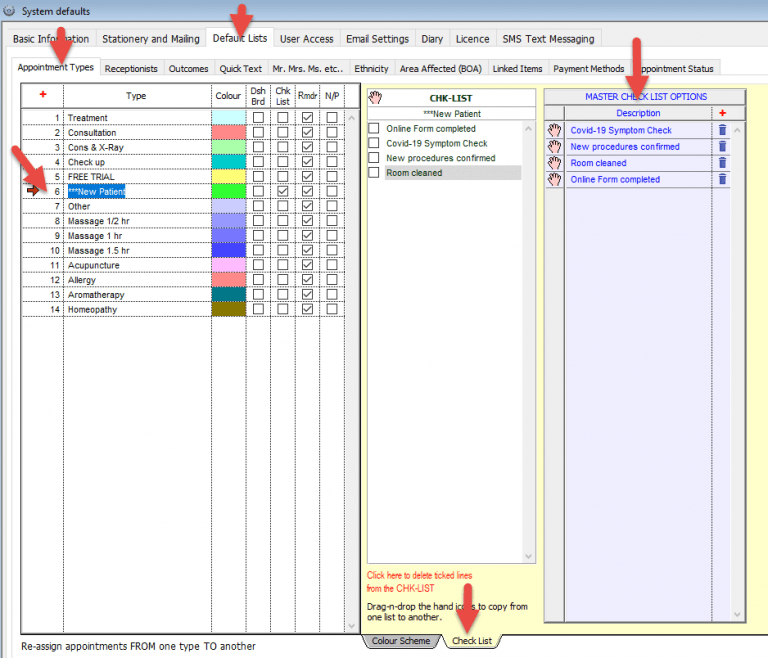
- Select an Appointment type and then click and drag the relevant items from the MASTER CHECK LIST OPTIONS to the CHK-LIST for that appointment type