
Maintenance: Purge Blockouts
To keep your database running at its optimum, there are several maintenance options provided to purge the database of redundant data. The simplest of them all is purging of block-outs.
- As each block-out is effectively a record in the database appointments file, it is recommended that old block-outs are purged on a regular basis. In doing so, the speed of diary operations is improved and useful space is reclaimed from the database.
- From File, Database Maintenance, Purge, Block-outs. The following window is displayed:

- Enter the date up to which block-outs should be purged and click OK. The following message is displayed:
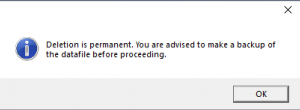
- Click the OK button. The following message is displayed:
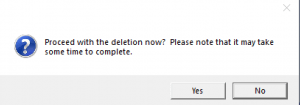
- Click the Yes button to continue. The following window is displayed:
