
Enabling Email Receipts
Note that you will need to have set up Email within Healthy Practice to use the email receiptes feature.
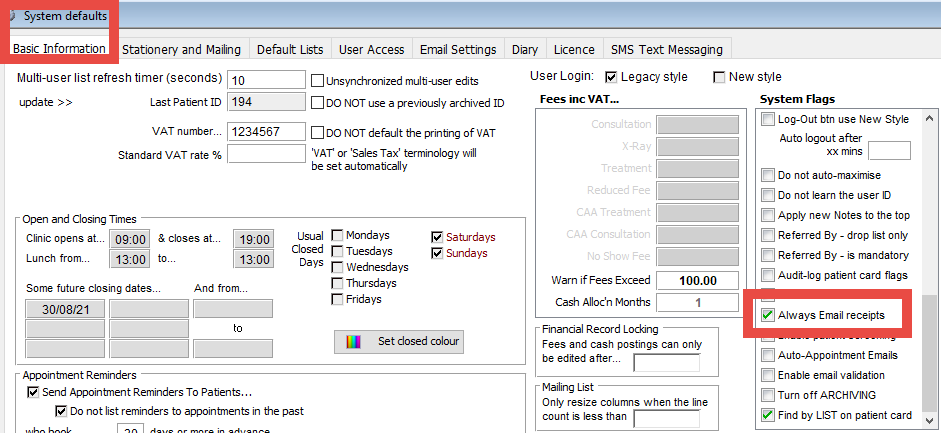
- From the Healthy Practice menu, select System Set-up
- In the Basic Information tab scroll down until you see Always Email receipts and tick this and click OK
Sending Receipts
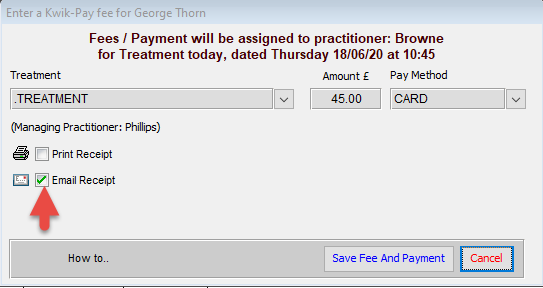
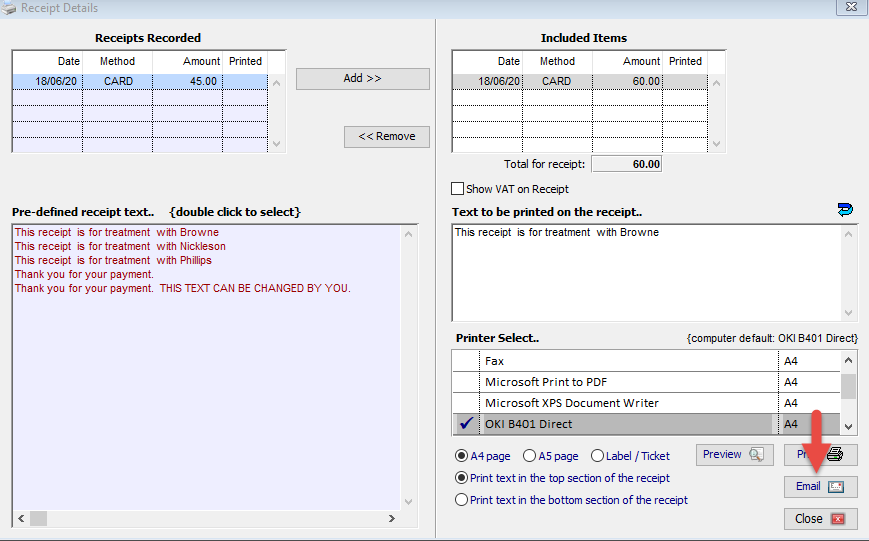
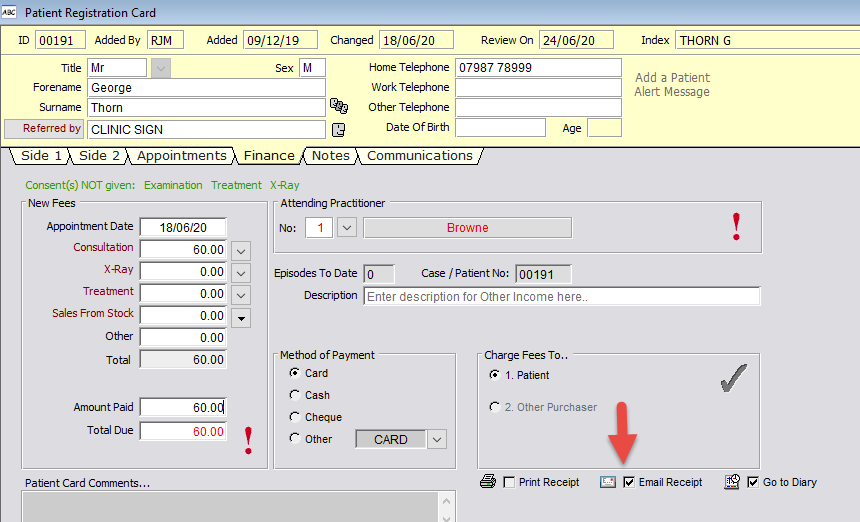
Ensure that an email address has been set up for the patient. Then when you are taking a payment ensure Email a receipt is selected as shown below:
Rebecca Mansbridge
December 2021